BOSS RC-500 | Course
Everything you NEED to KNOW about the BOSS RC-500 Loop Station
Skip the boring manual and jump straight into making music with this hands-on online course. Built for the BOSS RC-500, guiding you from the fundamentals to advanced looping techniques without the confusion. You’ll learn how to set it up correctly, understand how it actually works, and use it with confidence in real musical situations.
We’ll dive into dual-track looping, MIDI setup, rhythm integration, phrase switching, layered arrangements, and practical live performance techniques. You’ll uncover features most players miss, tighten up your workflow, and push the RC-500 far beyond basic looping.
By the end, you won’t be fighting the pedal you’ll be using it creatively, efficiently, and on your own terms.

IMMEDIATE ACCESS
Start instantly. Get full access the moment
you check out. No waiting, no delays.
14 DAY GUARANTEE
Try it risk-free. If you’re not satisfied within 14 days, we’ll give you a full refund.
✅ Used by thousands of
musicians worldwide

SECURE PURCHASE
Safe & encrypted payments. Your information is protected with industry-standard security.
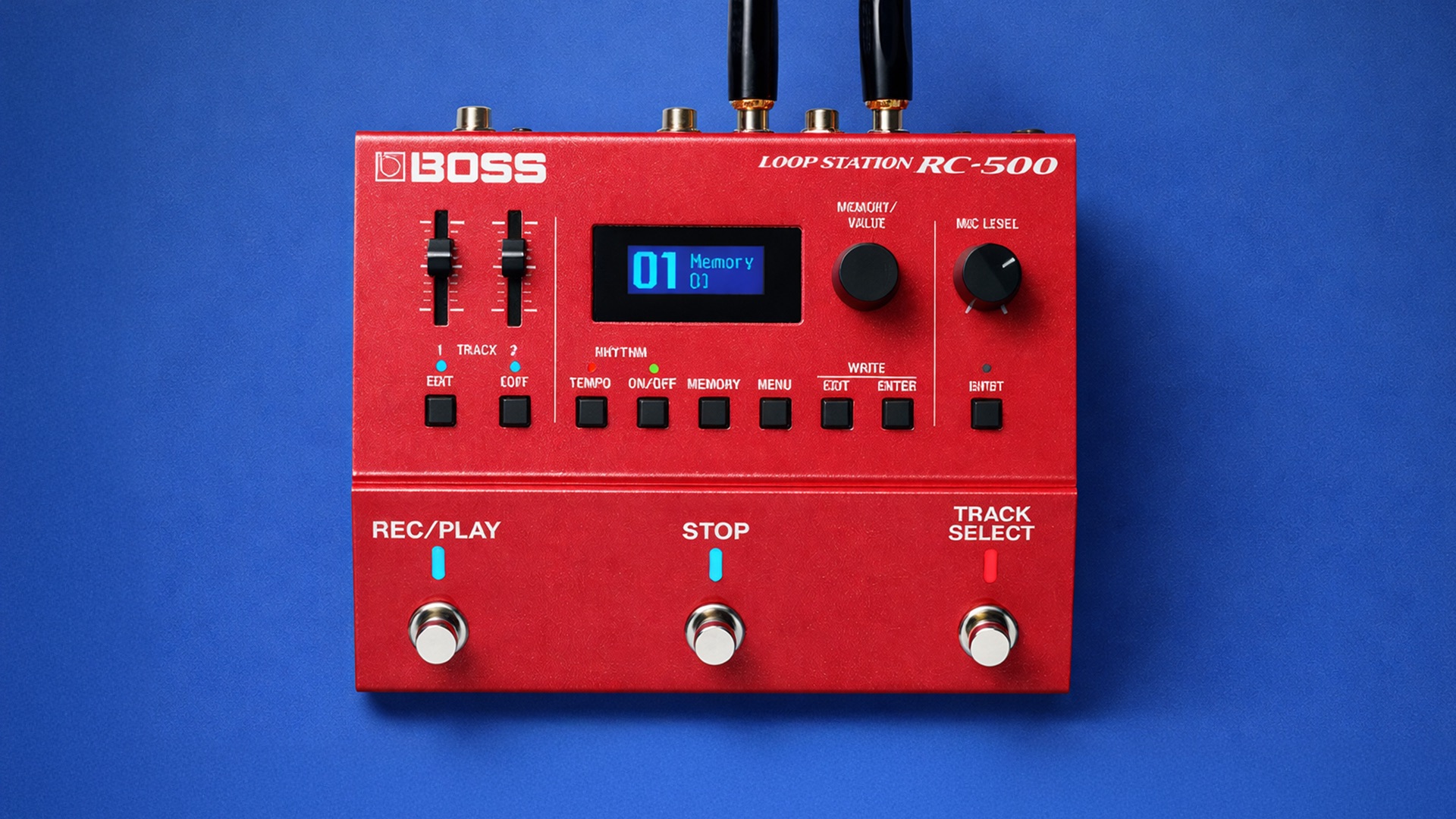
A Simple Guide To BOSS RC-500
-
Introduction
2 lessons- Introduction - Aims and Objectives of this Course
- Microphone Setup - Phantom Power Settings
-
Saving Memory Banks
4 lessons- Saving a Phrase Memory - (Write)
- Deleting a Phrase Memory - (Clear)
- Naming a Phrase Memory - (Name)
- Understanding Memory Extent
-
Phrase Memory Settings
9 lessons- Overdub Mode
- Record Action - (Track Record Modes)
- Loop Quantize
- Auto Record
- Play Modes
- Single Play Change
- Memory Level and Fade Time
- All Start - (Two BOSS RC-500's MIDI Sync Example)
- Track Chain - (Parallel vs Series)
-
Loop Effects
2 lessons- Using the BOSS RC-500 Reverb
- Understanding BOSS RC-500 Loop FX Settings
-
Rhythm Settings
8 lessons- Rhythm Level
- Choosing Patterns and Variations for your Performance
- Customising Rhythm Sounds - (Kits, Drum Parts 1-4 and Tone Low/High)
- Rhythm Start Modes - (Loop Start, Rec End and Before Loop)
- Rhythm Stop Modes - (Off, Loop Stop and Rec End)
- Time Signatures - (Beat)
- What is Record Count?
- What is Play Count?
-
Track 1-2 Settings
9 lessons- Reverse
- Targeting Loop FX to a Loop Track
- Adjusting Track Playback Level and Positioning - (Play Level and Pan)
- Track Play Modes - (One Shot, Immediate and Fade In)
- Track Stop Modes
- Loop Track Measures
- Loop Sync Explained - (Loop.S)
- Tempo Sync Explained - (Tempo.S)
- Input and Output Options
-
System Settings - (Setup)
4 lessons- LCD Contrast/Brightness - Display
- Loop Indicators - Display Mode
- Undo/Redo Modes
- What are the Preferences Settings?
-
Input/Output Settings - (Input Menu)
2 lessons- Instrument In Noise Suppression and Peak Source - (Input Indicator)
- Rhythm Out
-
BOSS RC-500 MIDI Settings and External Controllers
5 lessons- MIDI Cable Clock Sync - Ableton Live DAW MIDI Sync Setup
- BOSS RC-500 MIDI CC Foot Remote Setup - Nektar Pacer
- BOSS RC-500 to BOSS RC-5 MIDI Sync Example
- External Footswitch Assign
- External Expression Pedal
-
Final Thoughts
2 lessons- Thanks for Taking the Class!
- Leave a Review