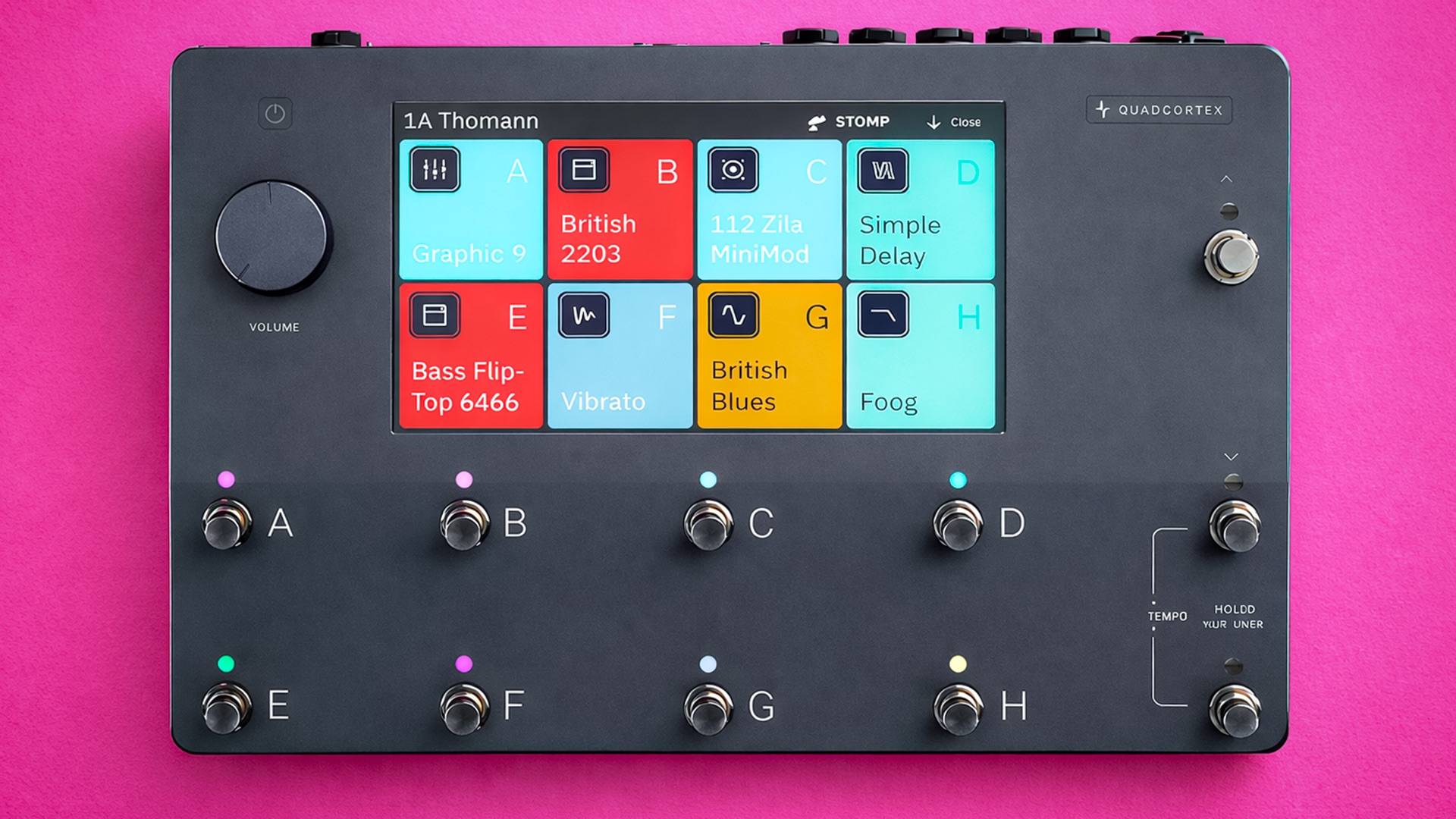
Neural DSP Quad Cortex | Course
Everything you NEED to KNOW about the Neural DSP Quad Cortex
Skip the boring manual and jump straight into making music with this hands-on online course. Built for the Neural DSP Quad Cortex, taking you from the core essentials to advanced, real world workflows without wasting your time. You’ll learn how to set it up properly, dial in great tones fast, and use it confidently in studio and live environments.
We’ll cover signal routing, scene and preset management, MIDI integration, captures, effects chains, and performance ready tricks that actually matter. You’ll uncover powerful features most users overlook, speed up your workflow, and unlock creative options that go way beyond factory presets. By the end, the Quad Cortex won’t feel deep or intimidating it’ll feel like an extension of your rig.

IMMEDIATE ACCESS
Start instantly. Get full access the moment
you check out. No waiting, no delays.
14 DAY GUARANTEE
Try it risk-free. If you’re not satisfied within 14 days, we’ll give you a full refund.
✅ Used by thousands of
musicians worldwide
SECURE PURCHASE
Safe & encrypted payments. Your information is protected with industry-standard security.
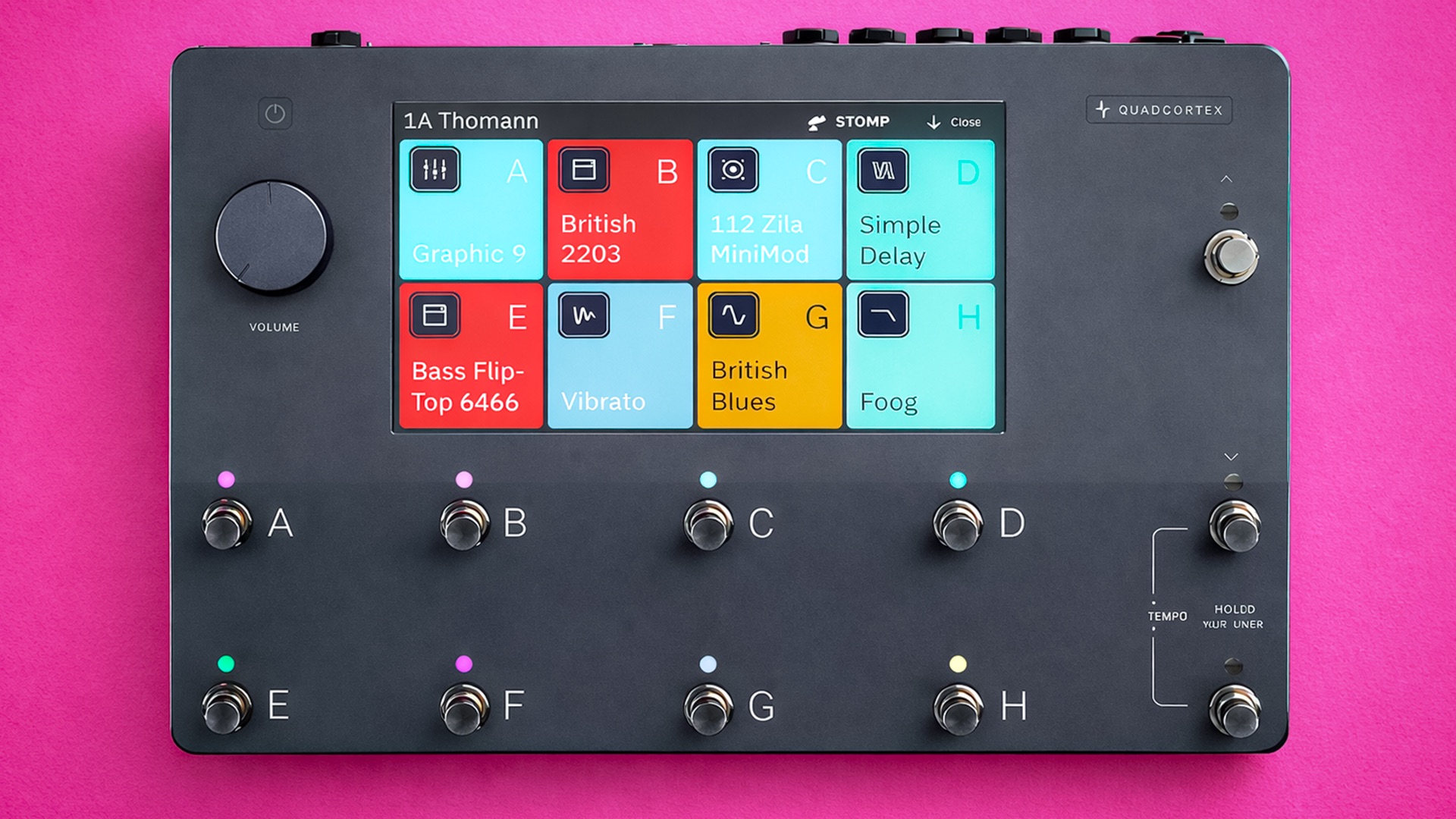
A Simple Guide To Neural DSP Quad Cortex
-
Introduction
2 lessons- Introduction - Welcome to the Class!
- How to Update Firmware on your Neural Quad Cortex
-
Overview
1 lesson- Basic Overview
-
Presets
8 lessons- Working Inside the Grid
- How to Save and Organise your Presets
- Customising Effects Blocks - Tips and Tricks
- Change Device - Audition FX Blocks
- Clipping Alert
- Directory - Delete, Edit, Cut, Copy
- Assigning Expression Pedals
- Splitters and Mixers
-
Modes
6 lessons- Preset Mode
- Tap Tempo Footswitch Modes and Shortcuts
- Scene Mode
- How to Quickly Setup Scenes
- Gig View
- Stomp Mode and Footswitch Assign
-
Neural Capture
1 lesson- Creating and Using a Neural Capture
-
USB Audio and MIDI Settings
4 lessons- Sending MIDI Program Changes
- Sending MIDI CC via USB
- Receiving MIDI via USB
- USB Audio
-
Cortex Cloud
2 lessons- Cloud Backups
- Uploading, Downloading Presets and Adding Friends
-
Final Thoughts
2 lessons- Thanks for Taking the Class!
- Leave a Review