Line 6 POD Go | Course
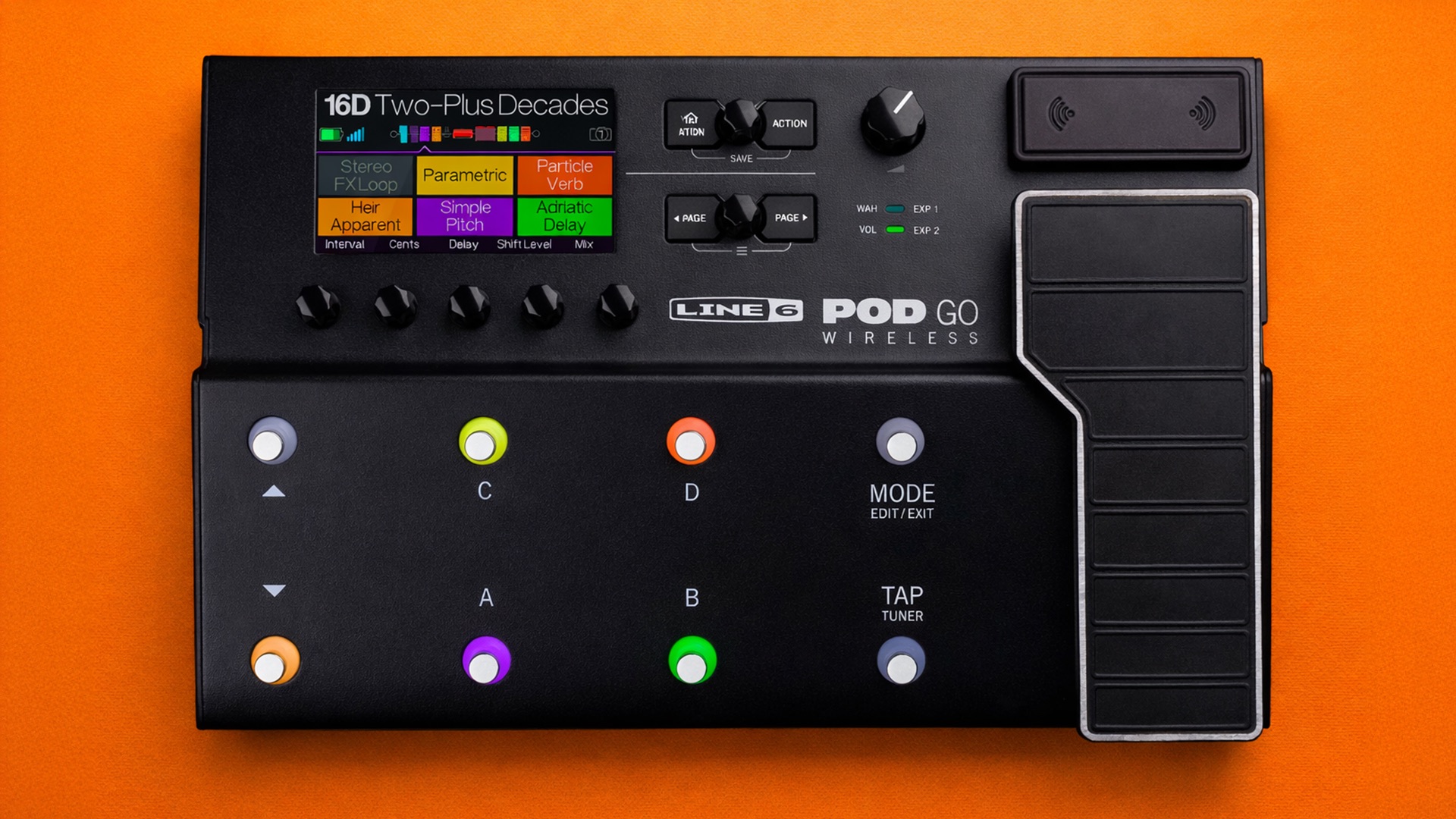
Everything you NEED to KNOW about the Line 6 POD Go
Skip the boring manual and jump straight into making music with this hands-on online course. Built for the Line 6 POD Go and focuses on getting real, usable sounds fast without getting buried in options. If you’ve ever scrolled presets wondering why nothing quite works, this course fixes that.
You’ll learn how the POD Go signal chain actually works, how to dial in amps and effects that sit right in a mix, and how to build presets that translate to rehearsal, stage, and recording. We cover snapshots, footswitch control, expression pedal use, global settings, and smart ways to integrate the POD Go into different rigs.
No tone myths. No endless tweaking. Just practical, step-by-step guidance that helps you get consistent, professional results out of the POD Go.
By the end, it won’t feel like an entry-level unit it’ll feel like a reliable, great-sounding pro gear you can trust.
IMMEDIATE ACCESS
Start instantly. Get full access the moment
you check out. No waiting, no delays.
14 DAY GUARANTEE
Try it risk-free. If you’re not satisfied within 14 days, we’ll give you a full refund.
✅ Used by thousands of
musicians worldwide
SECURE PURCHASE
Safe & encrypted payments. Your information is protected with industry-standard security.
A Simple Guide To Line 6 POD Go
-
Introduction
1 lesson- How to Update Line 6 POD Go Firmware
-
Basic Operation
8 lessons- Main Features and Overview of the Line 6 POD Go
- How to Save a Preset
- How to Rename a Snapshot
- Quick Save
- Footswitch Modes
- Expression Pedal Modes
- Volume Knob and Tempo/Tuner Settings
- Rear Panel
-
The Blocks
5 lessons- Understanding FX Chain and FX Blocks
- Editing Amplifiers and Cabinets
- Input and Output
- Looper
- FX Block Editing - Tips and Tricks
-
Snapshots
3 lessons- Using Snapshots
- Trails
- Saving Snapshots
-
Bypass/Control
6 lessons- How Assign FX Blocks to Footswitches
- Quick Controller Assign
- Clear Assigns
- Swapping Footswitch Assign
- How to Setup an External Footswitch
- Controlling FX Blocks using an External Footswitch
-
Global Settings
5 lessons- Global EQ
- Ins/Outs
- Wireless Setup (POD Go Wireless Tutorial)
- Switches and Pedals
- MIDI Settings
-
USB Audio and MIDI Settings
2 lessons- Recording - Audio Interface Setup
- How to Setup a MIDI Program Change
-
Final Thoughts
2 lessons- Thanks for Watching!
- Leave a Review