BOSS GT1000CORE | Course
Everything you NEED to KNOW about the BOSS GT1000CORE
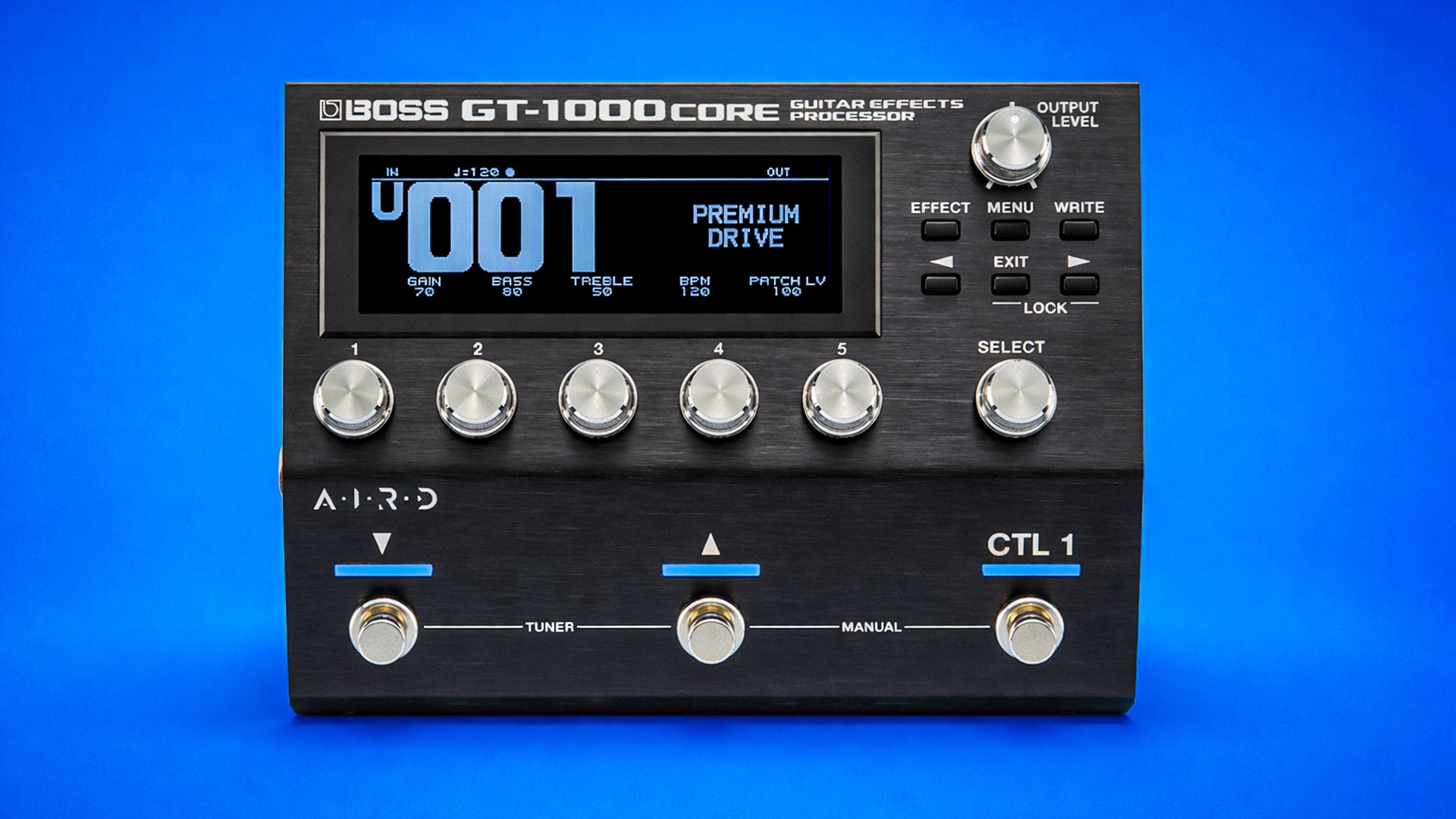
Skip the boring manual and jump straight into making music with this hands-on online course. This practical, no-nonsense course is built for the BOSS GT-1000CORE, showing you how to get professional results without getting lost in menus. You’ll learn how to set it up properly, understand the signal flow, and shape tones that actually work in real rigs live or in the studio.
We’ll walk through amp and effect blocks, routing options, snapshots and assigns, MIDI control, and smart ways to integrate the GT-1000CORE with pedals, loopers, or a larger setup. Along the way, you’ll uncover features that speed up your workflow and give you more control without overcomplicating things.
By the end, the GT-1000CORE won’t feel deep for the sake of it. It’ll feel focused, flexible, and ready to perform.

IMMEDIATE ACCESS
Start instantly. Get full access the moment
you check out. No waiting, no delays.

14 DAY GUARANTEE
Try it risk-free. If you’re not satisfied within 14 days, we’ll give you a full refund.
✅ Used by thousands of
musicians worldwide

SECURE PURCHASE
Safe & encrypted payments. Your information is protected with industry-standard security.
A Simple Guide To BOSS GT-1000CORE
-
Introduction
3 lessons- Introduction - Welcome to the Course!
- Basic Overview
- Factory Reset
-
Saving Memory Banks
4 lessons- Patch Write - Saving a Patch
- Patch Exchange - Exchanging a Patch
- Patch Initialize - Deleting a Patch
- Patch Insert - Inserting a Patch
-
Editing Effects
8 lessons- Basic Effect Editing Procedure
- Effect Placement
- Using and Creating Stompboxes
- Divider 1-3
- Mixer 1-3
- Send and Return 1 and 2 - Modes Explained
- Main and Sub Output L/R Speaker Simulator
- Master
-
Menu
9 lessons- Control Mode - Memory vs Manual
- Control Functions - Customising Footswitches
- Control Assign - External Footswitch Setup
- Control Assign - Pedal Mode and Preference
- Control Assign - External Expression Pedal Setup
- Virtual Expression Pedal
- LED Colour
- Tempo Hold
- Hardware Settings
-
Input/Output Settings
5 lessons- Input - Creating Instrument Presets
- Output - Exploring the Settings
- Sub Output - Exploring Settings
- Hardware - Changing Send 1-2 to Sub Out
- Total - Noise Suppressor and Reverb Level
-
Looper
2 lessons- Looper Overview
- Looper Settings and Metronome
-
Final Thoughts
2 lessons- Thanks for Watching!
- Leave a Review